
One trip, start to finish.
Follow a business trip to Seoul from the first idea to the last receipt, and see where Nomad takes the work off your hands at every step.

From a name and some dates to a story worth sharing.
A name and some dates. Or everything you already planned.
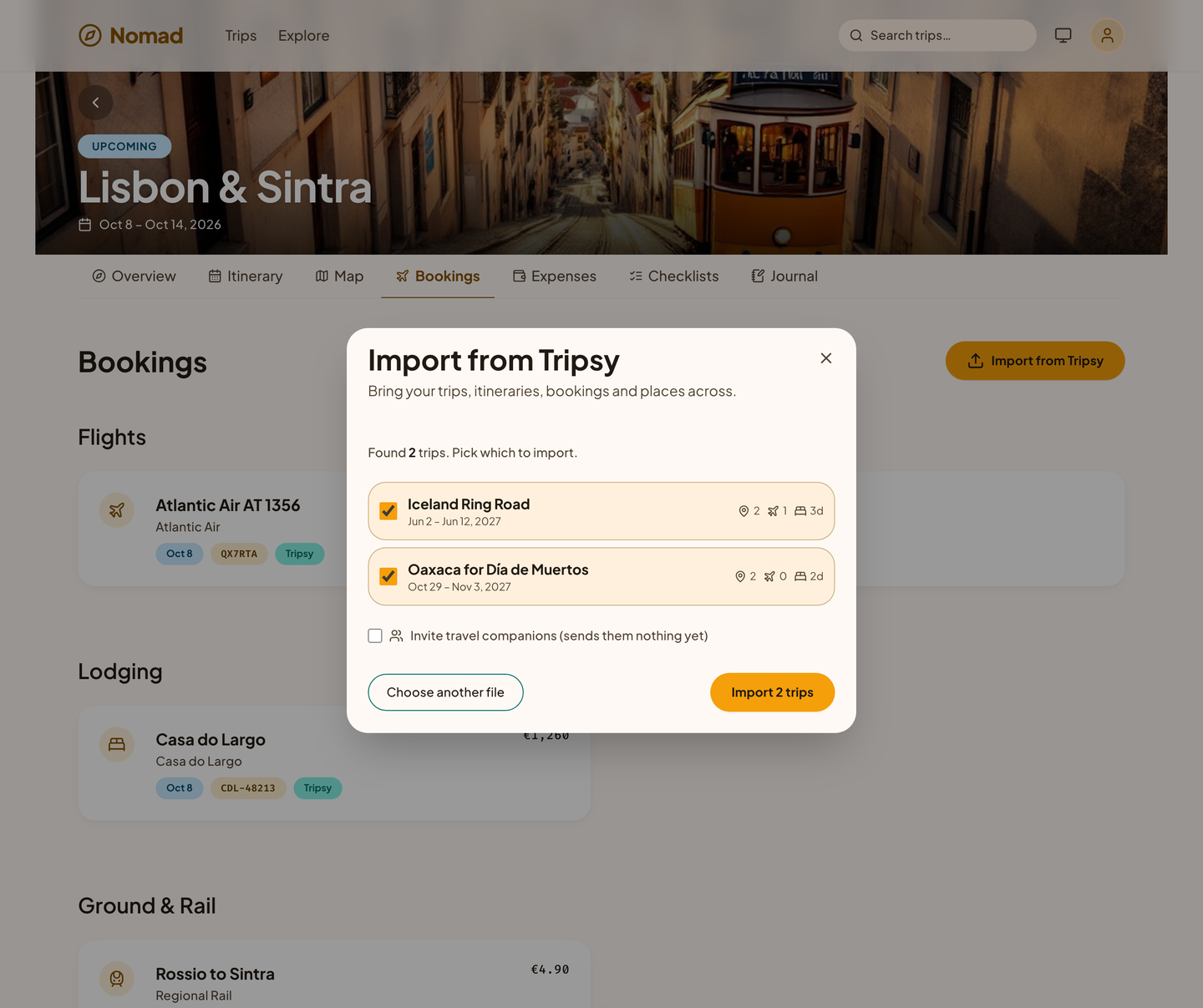
Call it Seoul customer visits, pick the dates, and the trip exists. If you were already planning it somewhere else, import it instead: the days, places, bookings, and costs come across in seconds.
- Start from a template you saved from one of your own trips.
- Add destinations for a trip with more than one stop.
Everyone plans in the same place.
Invite your travel companions by email or with a link. Owners manage the trip, editors plan it, and viewers follow along. From here on, everyone works from the same shared plan.
- Comments sit on the booking, place, or plan they are about.
- A read-only link lets family at home follow the plan without an account.
Book wherever you like. Nomad files it.
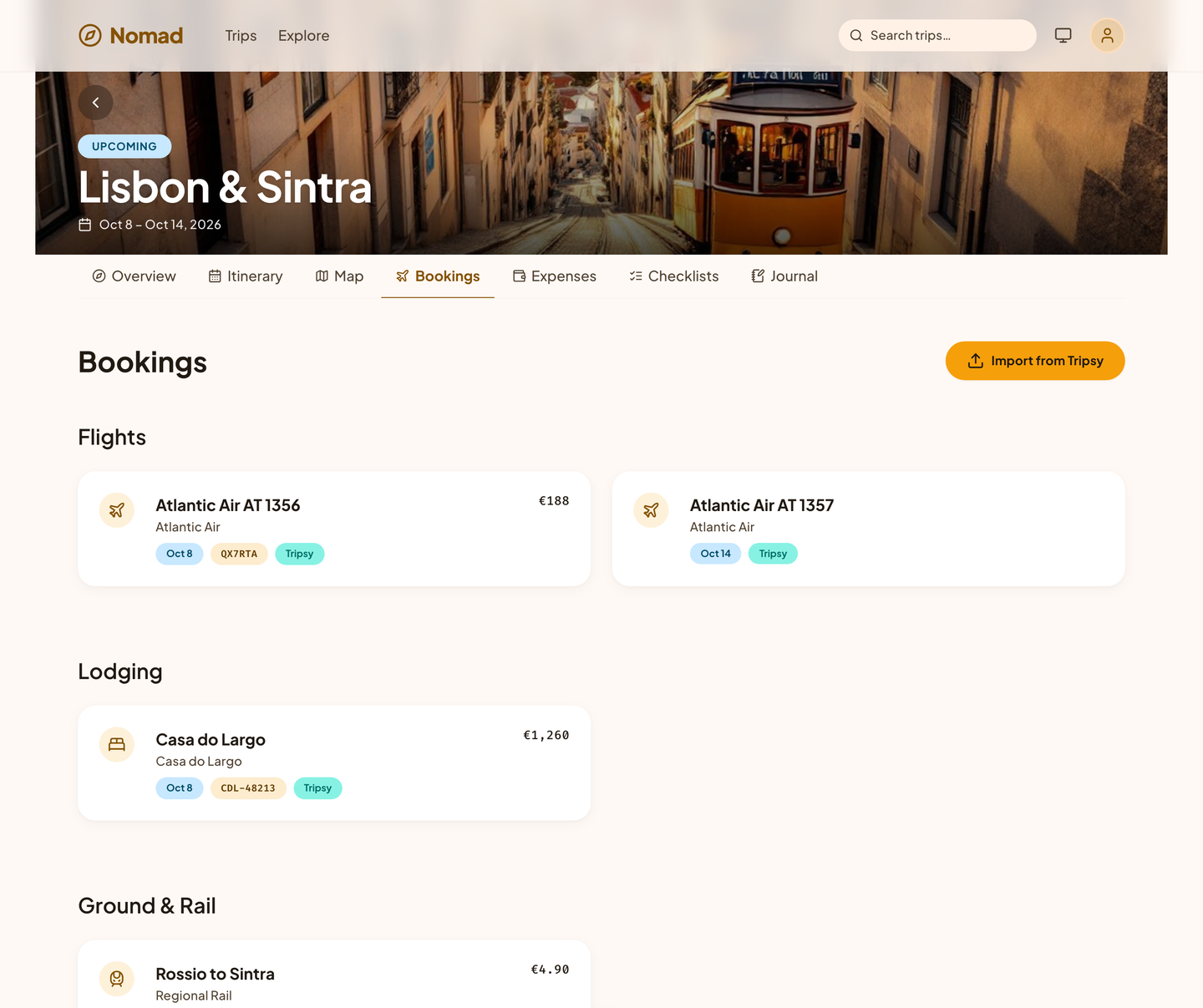
Book the flight with the airline and the flat with the host, then forward the confirmations. Nomad reads the dates, codes, and addresses and puts each booking in a review queue. Confirm it, and it lands in the trip on the right day, with its e-ticket attached.
- Nothing is added without you: every email-read booking waits for your confirmation.
- Forward it twice and it is still one booking.
Put the ideas on the days.
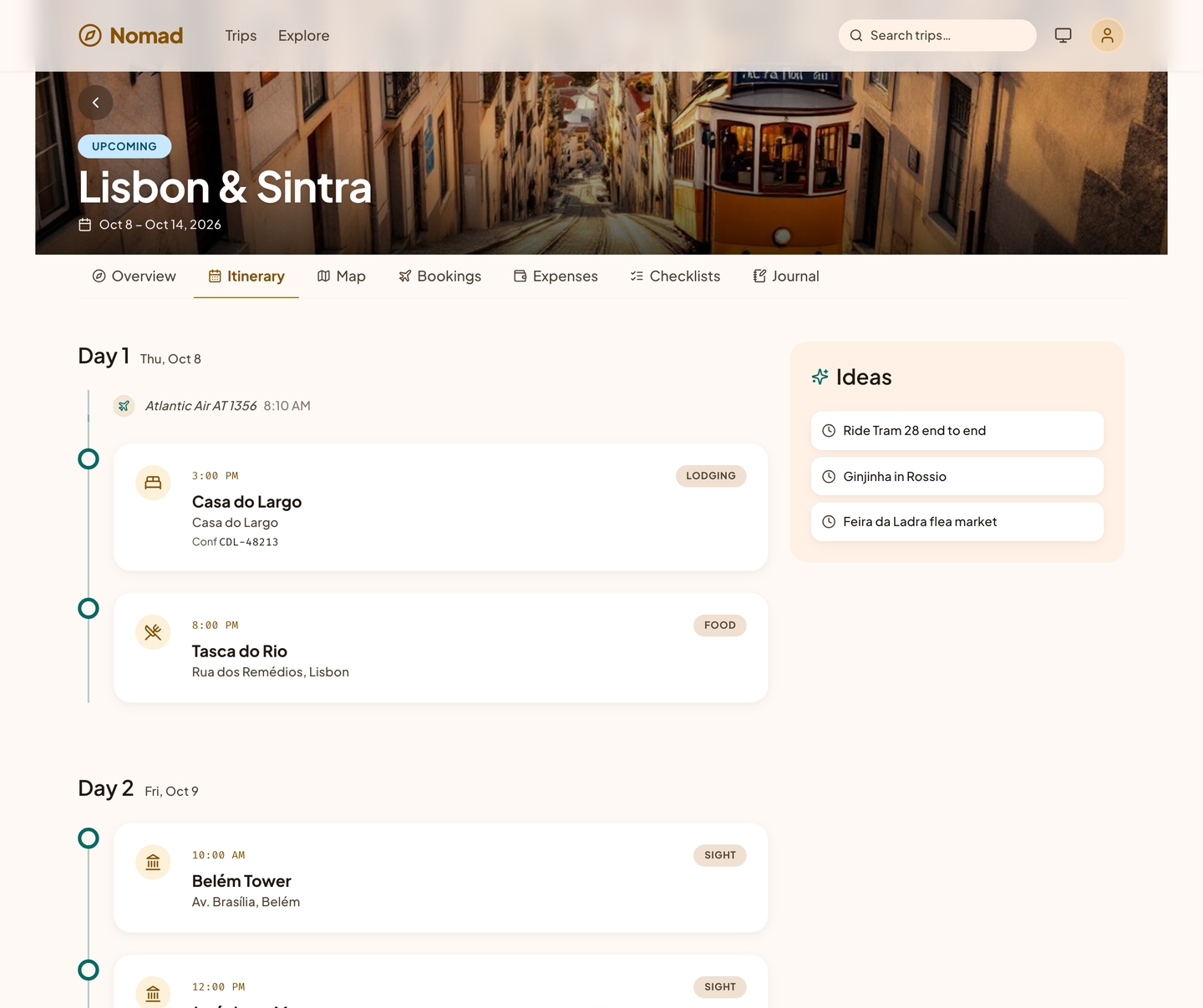
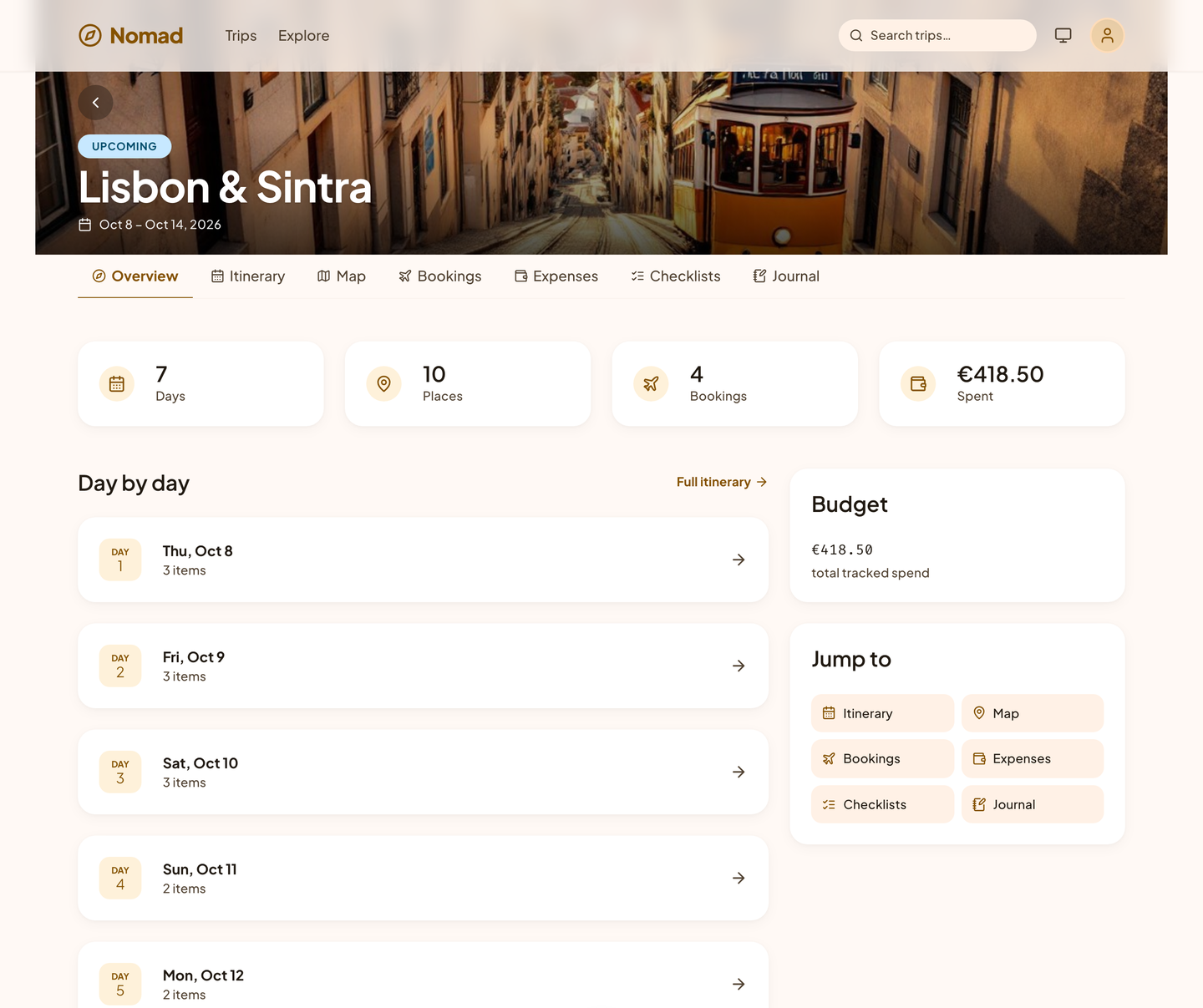
Save the places you want to see as ideas, then give each one a day. Nomad fills in the travel time between stops, puts a busy day in a sensible order when you ask, and warns you when two plans overlap.
- The map shows every place, or one day's route.
- The forecast sits at the top of each day.
Lists that know where you are going.
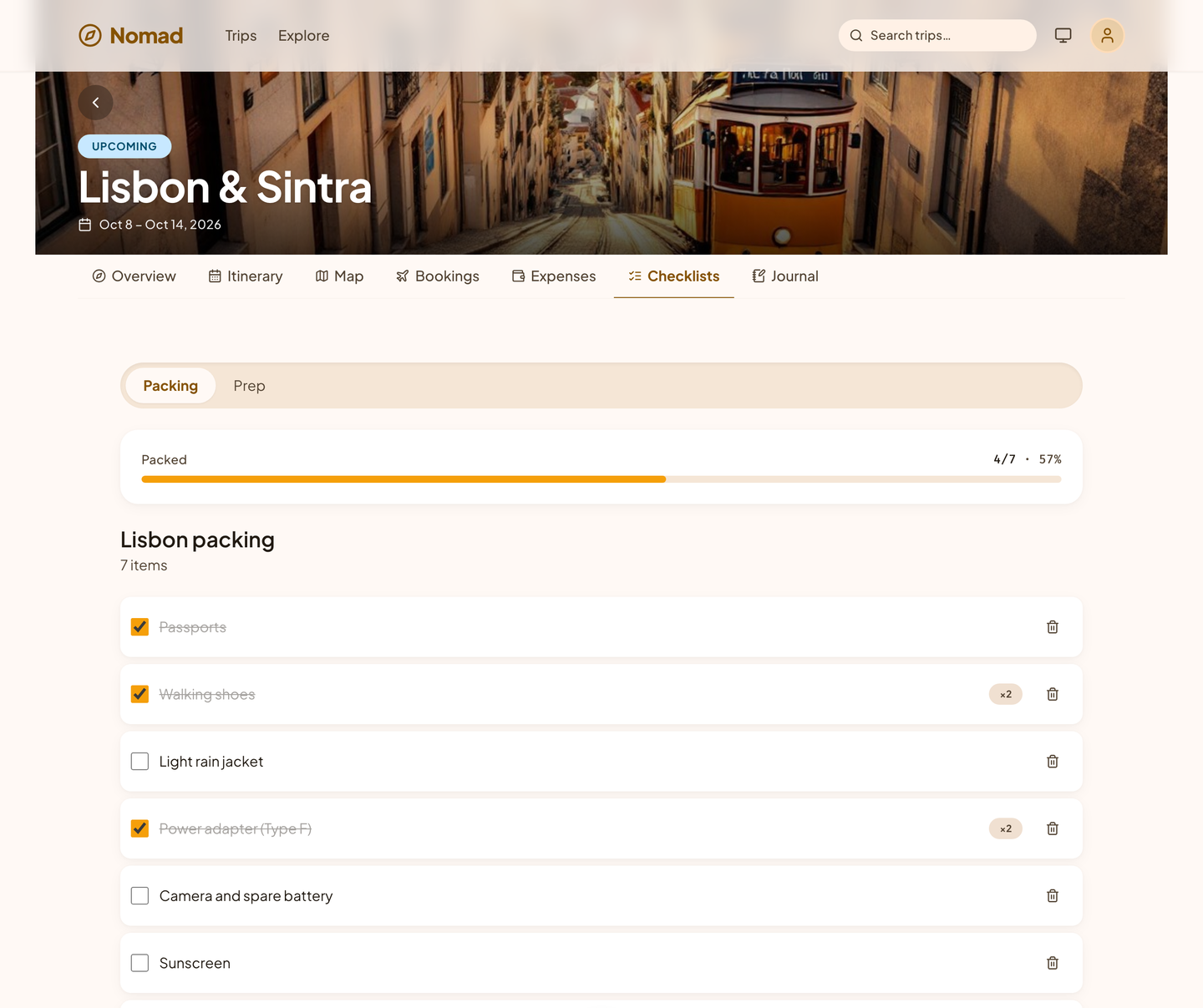
Nomad starts a packing list shaped by the climate, the length of the trip, and what you plan to do, and a before-you-go list with due dates. Assign items to people and check them off together.
- Due dates on every prep task.
The plan in your pocket.
The trip you are on opens on your phone's browser: the itinerary, the map, and the bookings.
- A connection is needed for now; offline use is planned.
- A change of plan is saved to the one shared trip.
No spreadsheet, no awkward math.
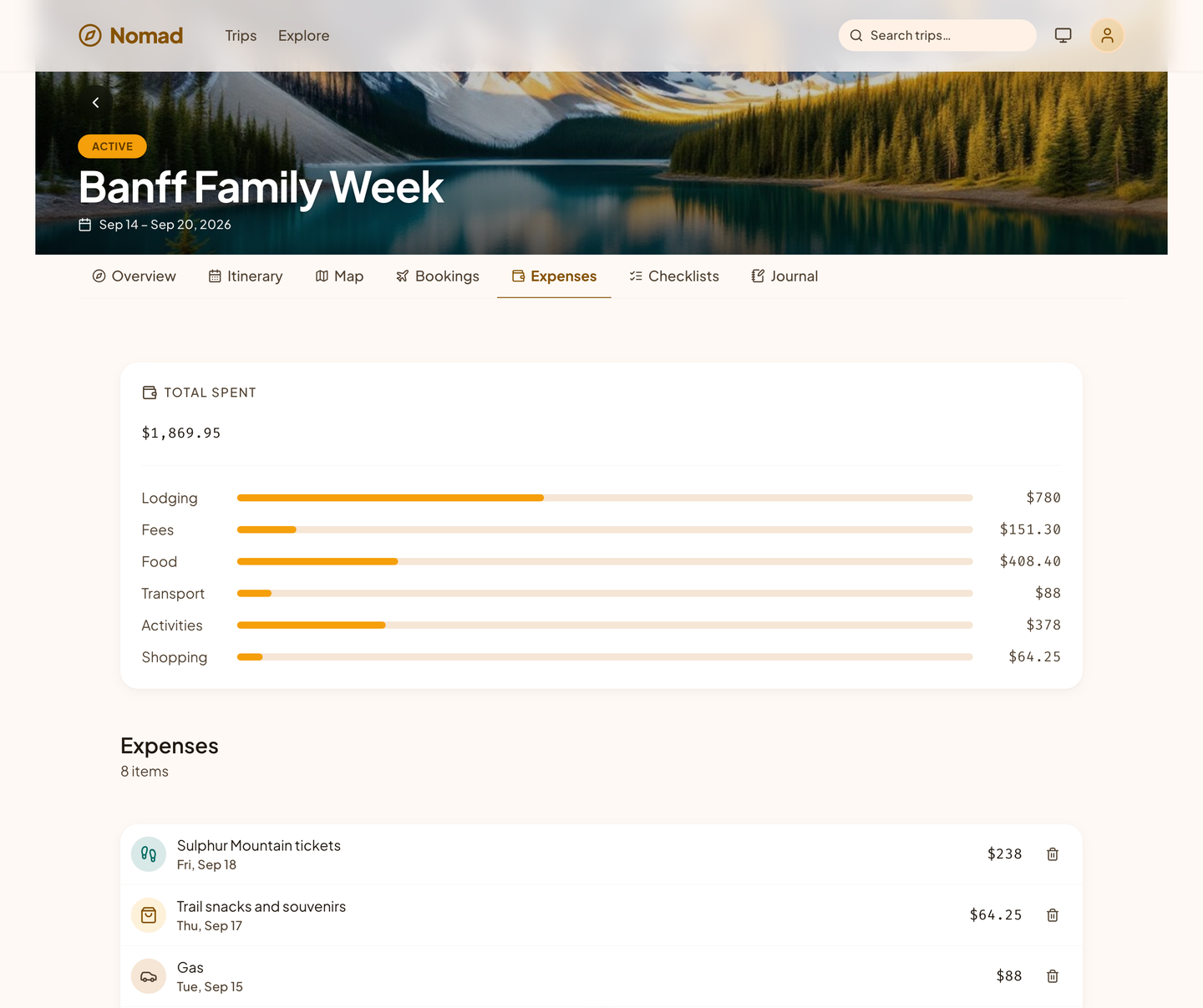
Log each cost in the currency you paid it in and split it the way you agreed: equally, by exact amounts, or by shares. Nomad converts everything to your home currency from a fixed table of 11 currencies and shows who owes whom.
- Budgets by category show where the money went.
- Work trips send reimbursable costs straight to the books.
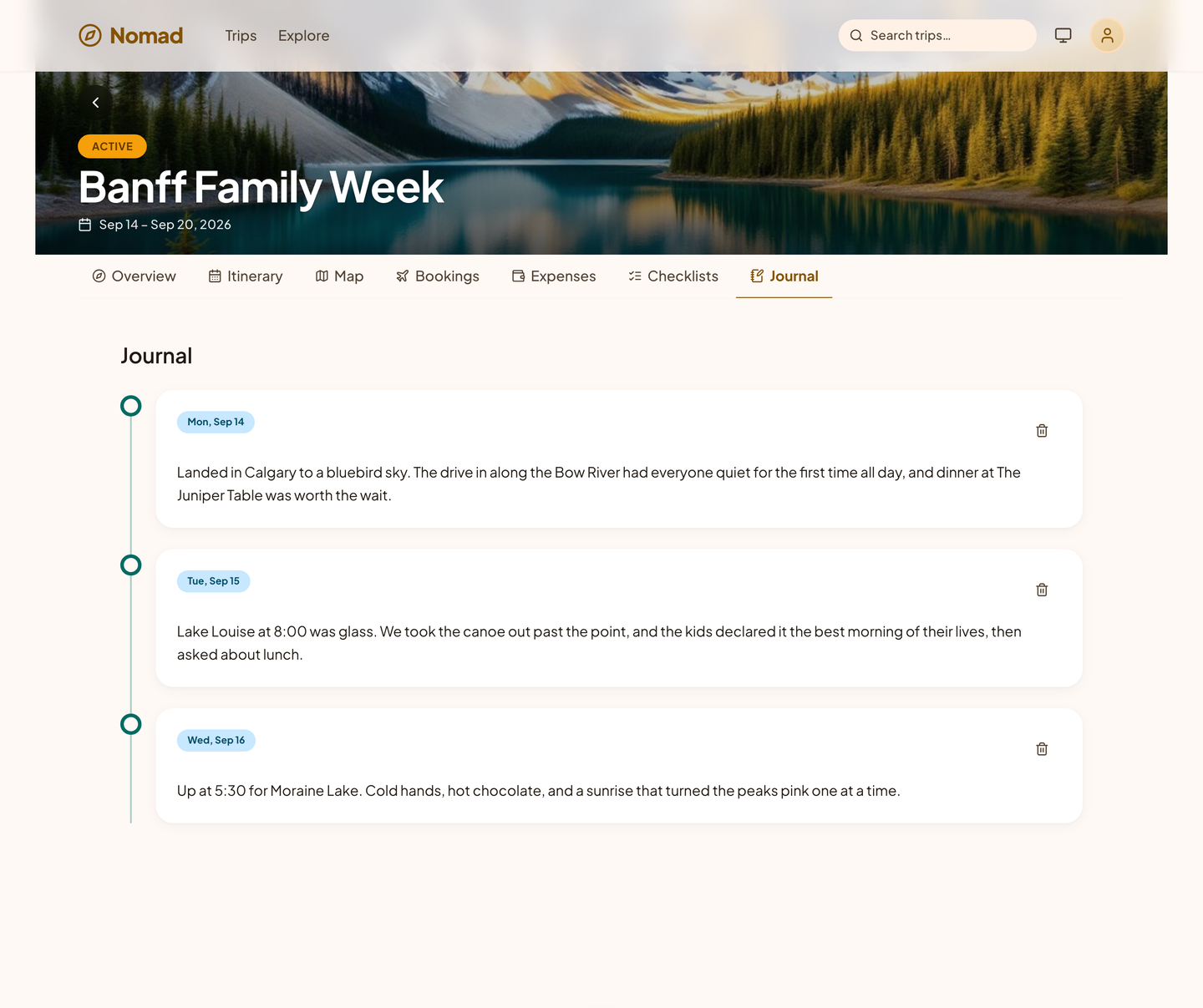
A journal that becomes a travelogue.
Write a few lines each evening and add the day's photos. When you are home, replay the trip as a timeline, or publish it as a travelogue with a link you can send to anyone.
Nomad is not open yet. Be the first to know when it is.
Leave your email and we will write when Nomad opens. That is the only thing this list is for.
We will send one email to confirm your address. After that, we write only about Nomad opening, and every email has a one-click unsubscribe. What we keep, and why.